Modern Timetable Management for Schools
CK Time System helps schools organize schedules, improve lesson coordination, and provide real-time timetable access for administrators, teachers, and students through one smart platform.
0
Schools Using CK
0
Active Users
0
Schedules Managed
What We Offer
Smart Timetable Management
Schools can create, edit, and manage their timetables easily with a clean and responsive interface.
Real-Time Access
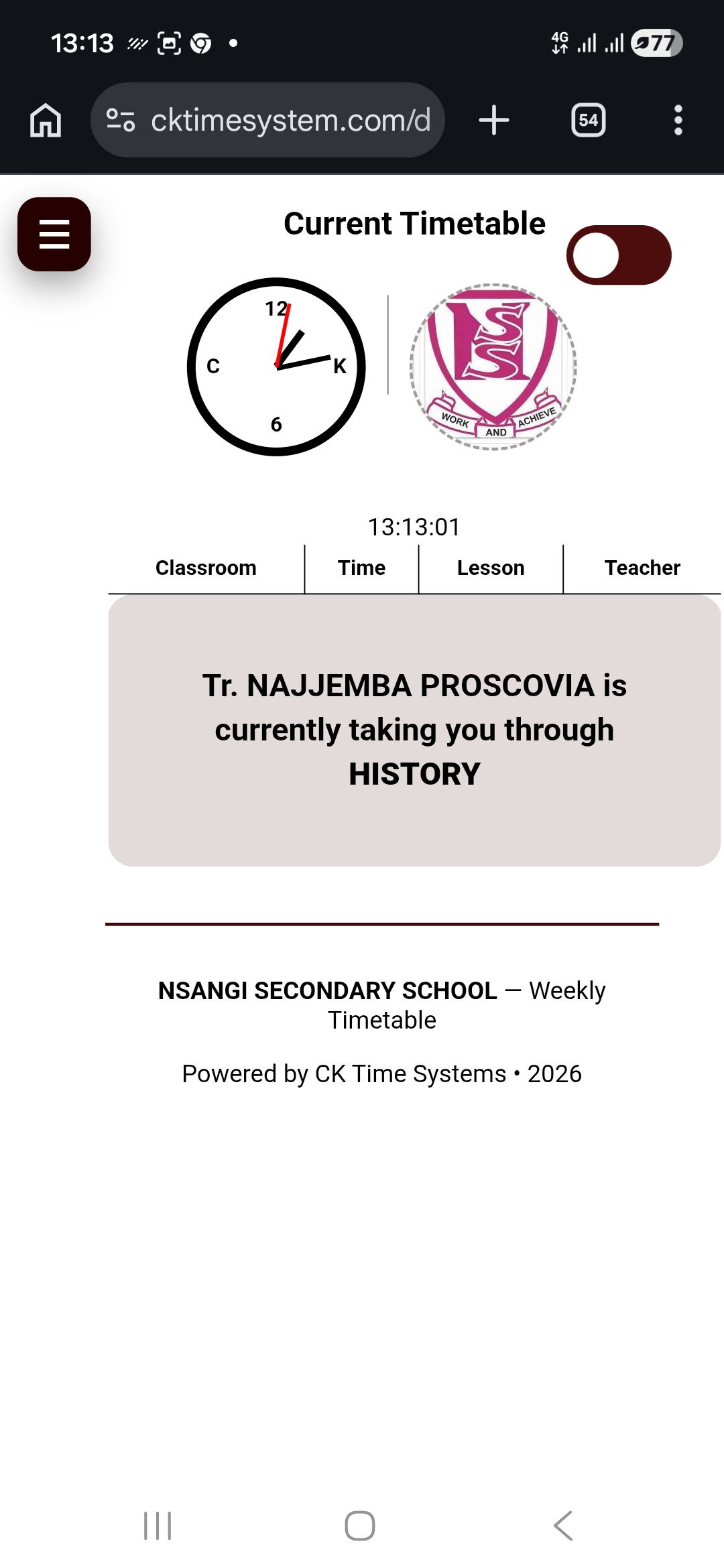
Students and teachers can instantly view updated schedules anytime from any device.
Anonymous Suggestion Box
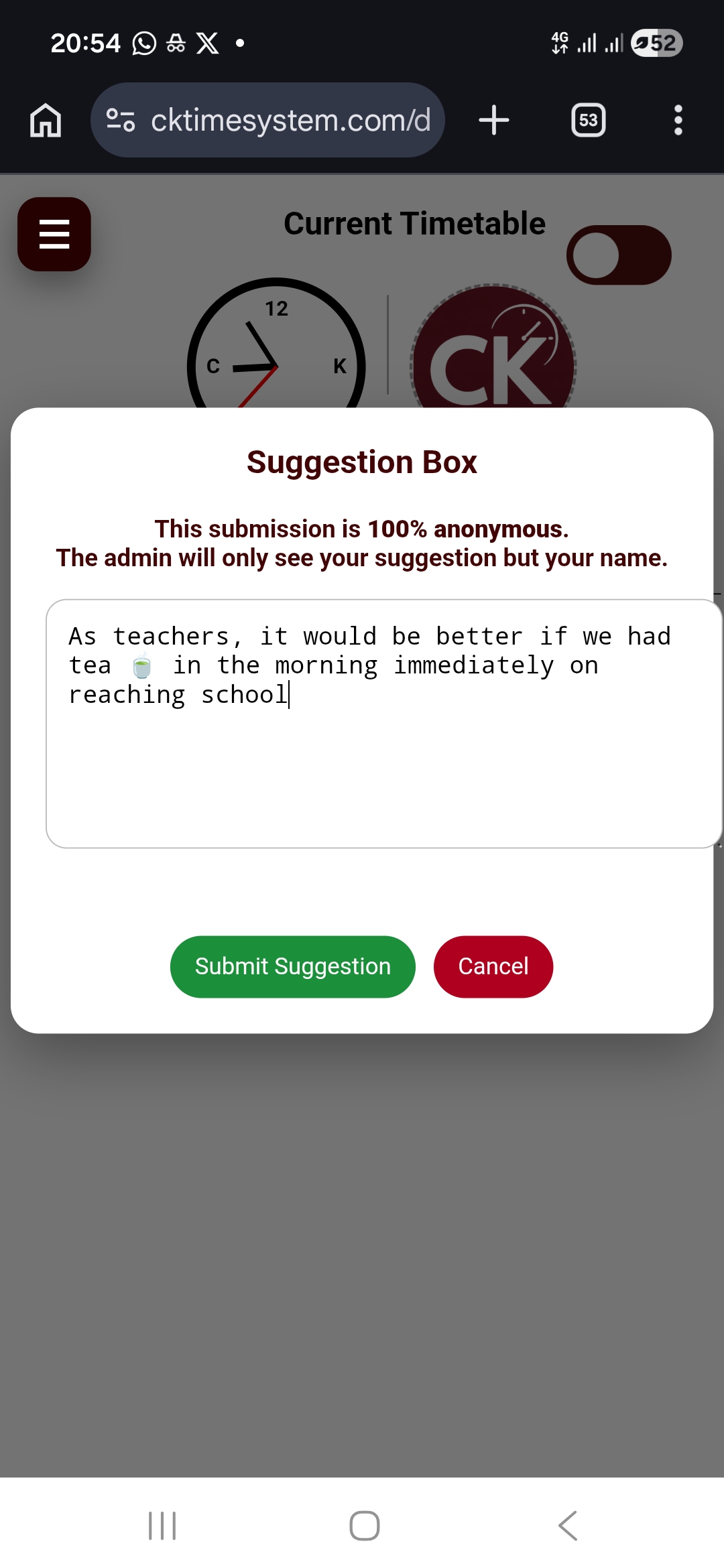
Students can submit suggestions safely while administrators maintain full control.
Weekly Reports
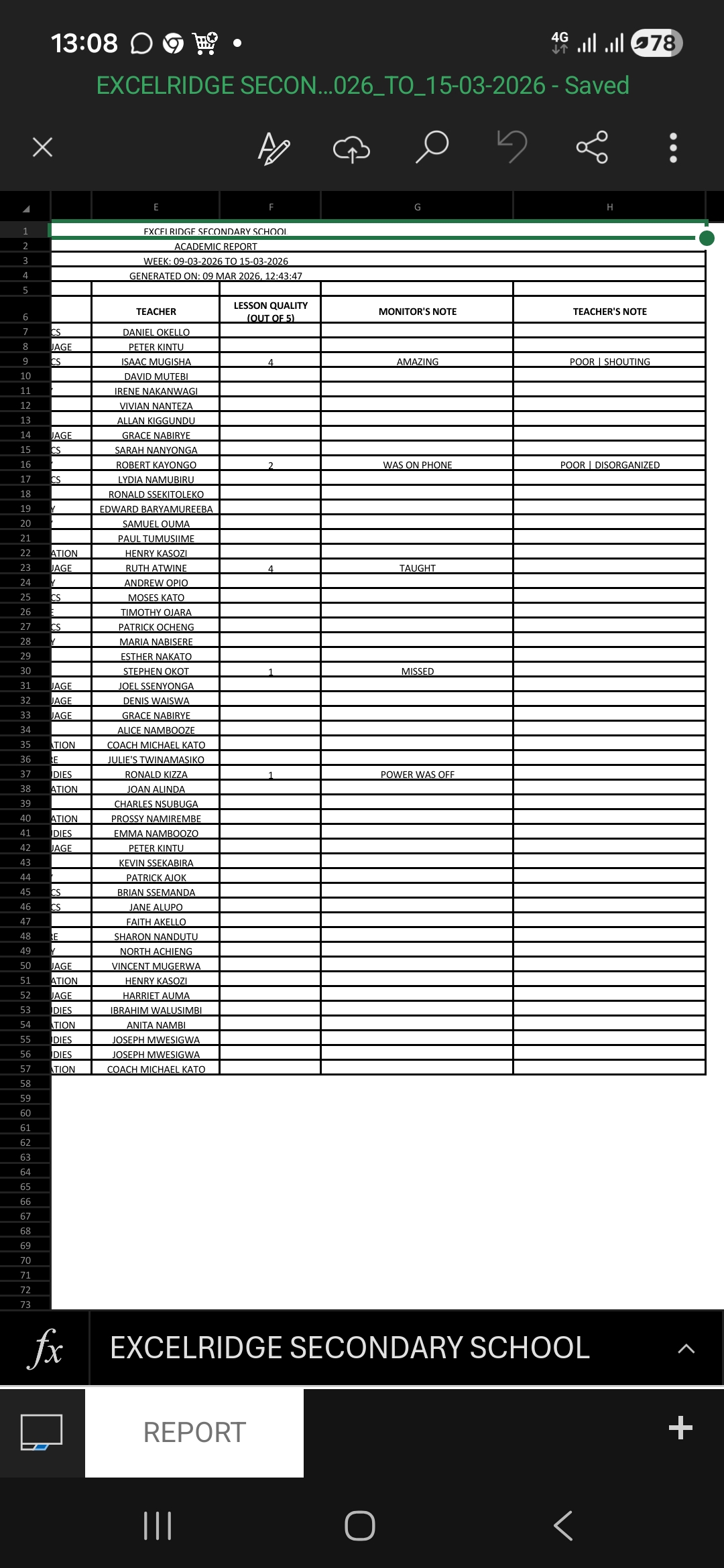
Download structured Excel reports showing lesson ratings and performance insights.
Role-Based Access
Admins, teachers, and monitors each have controlled access tailored to their responsibilities.
Are you a new school?
Join classic schools already using CK Time System to simplify timetable management. Get started today and transform your school's scheduling experience.
Reviews from users like you
Our Client Schools & Partners
Enter School ID
Register School
Confirm School
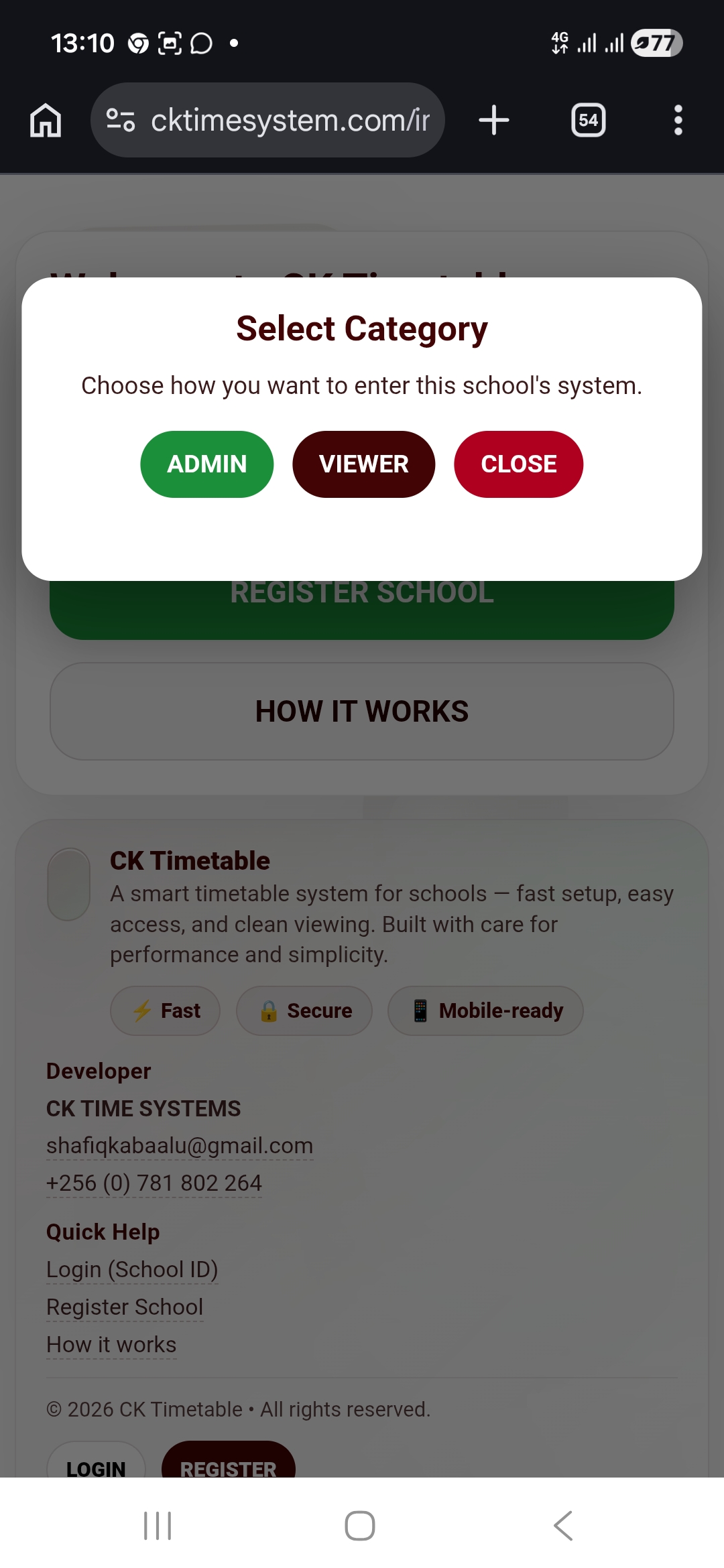
Select Category
Choose how you want to enter this school's system.